Tips for Organizing Your Home Office to Boost Productivity and Creativity
Creating a home office that truly supports your productivity and creativity can make a significant difference in your workday. Whether you work from home occasionally or full-time, an organized and thoughtfully designed workspace helps reduce distractions, increase focus, and inspire new ideas.
In this post, we’ll explore practical tips to organize your home office, covering everything from layout and storage to lighting and personalization. These ideas are easy to implement and adaptable to any space, no matter its size.
Choose the Right Location
Consider Natural Light and Quietness
Select a spot in your home where you can enjoy natural light, which is proven to boost mood and energy. Ideally, the space should be quiet and away from high-traffic areas to minimize interruptions.
Think About Your Work Style
Are you a person who needs absolute silence to focus, or do you thrive with a bit of background noise? Choose a location that aligns with how you work best.
Declutter and Prioritize Essentials
Sort and Remove Unnecessary Items
Start by clearing your desk and office area. Keep only the items you use daily within reach. Excess clutter can distract your mind and make it harder to find what you need.
Use the “One In, One Out” Rule
To prevent clutter from creeping back, for every new item you bring into your office, consider removing one you no longer need.
Invest in Functional Furniture
Ergonomic Chair and Desk
Your comfort matters. A supportive chair and a desk at the proper height will help you maintain good posture and reduce fatigue.
Storage Solutions
Shelving units, filing cabinets, and desk organizers are essential to keep papers, supplies, and devices neatly arranged.
Organize Your Supplies Efficiently
Categorize Office Supplies
Group items like pens, paper clips, and sticky notes in dedicated containers. Drawer dividers can also keep small supplies tidy.
Use Vertical Space
Install wall-mounted shelves or pegboards to keep things off your desk while still easily accessible.
Optimize Technology Setup
Manage Cables and Devices
Use cable organizers or clips to keep cords neat and untangled. Position your computer, printer, and other devices for easy access and comfortable use.
Maximize Screen Space
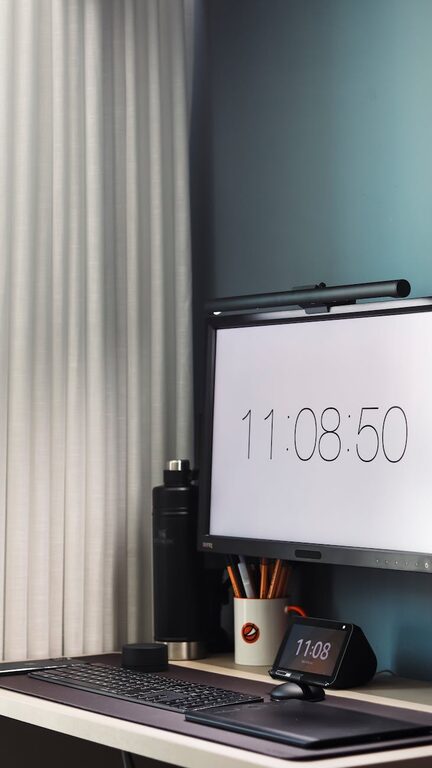
If possible, use dual monitors or a larger screen to improve workflow, and keep your desktop icons organized.
Create Zones for Different Activities
Work Zone
Designate your main desk area for focused work tasks.
Creativity Zone
Have a space nearby where you can brainstorm, sketch, or collect inspiring materials like books, mood boards, or art supplies.
Break Zone
If space allows, include a comfortable chair or corner for short breaks, helping to recharge during the day.
Control Lighting and Ambience
Use a Mix of Lighting
Combine natural light with good overhead lighting and task lamps to reduce eye strain and maintain a bright workspace.
Add Plants and Personal Touches
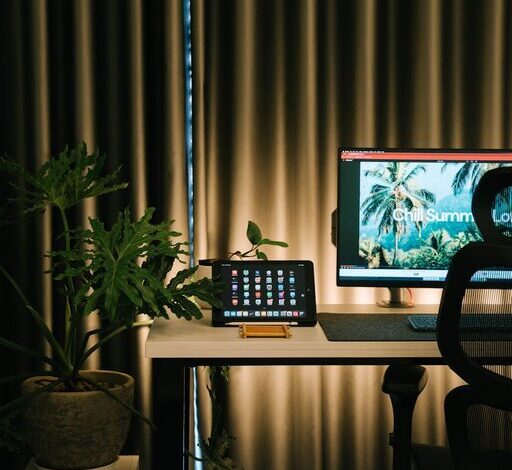
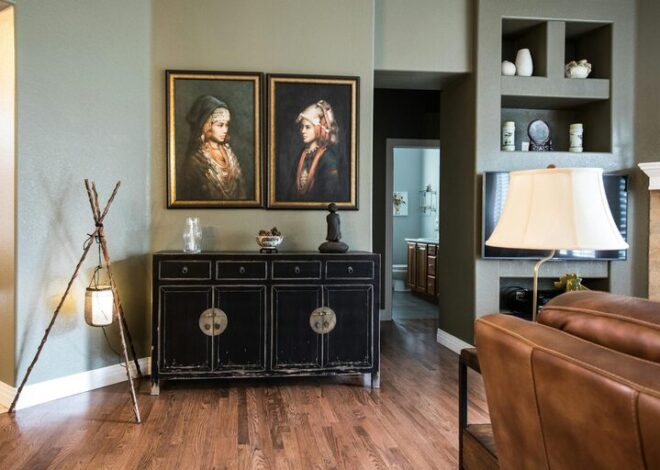
Incorporate plants to improve air quality and create a calming atmosphere. Personal photos or artwork can make the space welcoming.
Implement a Routine for Maintenance
End-of-Day Clean-Up
Spend a few minutes each day organizing your desk and putting things away, so you start each morning with a clear workspace.
Regular Reviews
Every few weeks, reassess your office setup to see if adjustments can improve your comfort or efficiency.
Additional Tips for Enhancing Creativity
Incorporate Color
Use colors in your office decor that inspire you—whether it’s calming blues or energetic yellows.
Allow Flexible Spaces
If possible, have movable furniture or a whiteboard to adapt your space for different projects or bursts of creativity.
—
Organizing your home office is more than just tidying up; it’s about creating a space that supports how you work best. By thoughtfully selecting your location, optimizing furniture and storage, and adding personal touches, you can enhance both your productivity and creativity. Start with small changes today for a workspace that truly works for you.